

Published
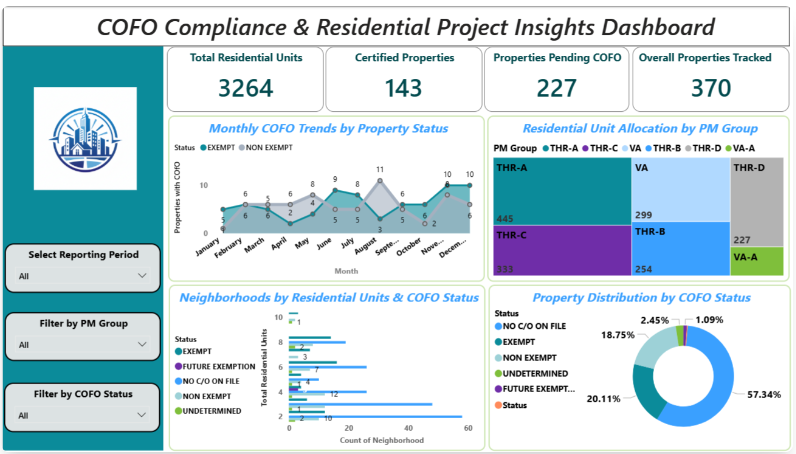
The COFO Compliance is a light compliance Power BI theme designed to deliver a clean and insight-driven dashboard experience. This Power BI theme uses a balanced palette of teal, blue, purple, and green tones to represent status categories clearly across visuals. A light grey background improves readability, while white containers with subtle borders create structure and separation between charts and metrics. This Power BI theme is ideal for compliance tracking, property management dashboards, and performance monitoring reports. It suits analysts, operations teams, and managers who require clear, organised visuals to track certifications, units, and compliance status efficiently. The theme supports KPI cards with bold teal callout numbers, structured slicers with soft teal backgrounds, and well-defined headers for consistent hierarchy. It works seamlessly across charts, tables, and filtering components for a unified reporting experience. It can be applied easily by importing the JSON file into Power BI Desktop. Download this light compliance Power BI theme and apply a clean, structured design to your dashboards instantly.
Category
Themes
Chart Types
Bar, Line, Tree Map / Hierarchical Chart, Donut
Industry Types
Real Estate
Main Colors
Blue
Mode
light
Version
Pro
JSON File
🔑 Sign in to DownloadBuy this Theme